How can I resize a photo?
Hover over the Edit button on a photo on one of your pages and you'll notice several options - including 'Change Size'.
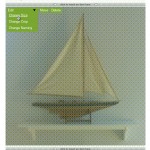
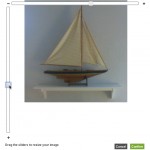
When you click on this you get a vertical and a horizontal slider which you can drag in order to resize your photo. You can also click on the + and - icons at either ends of the sliders.
The photo is resized and can be saved. The original is preserved, so you can make the photo bigger again at a later date without losing any quality.
If you have a lot of photos to show on your pages you might still prefer to use the Gallery tool. For those photos that you want to show centre-stage, right in the content being able to resize them should make things even more manageable.